
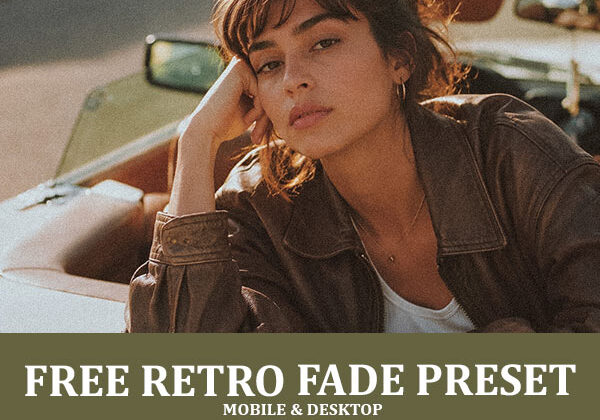
A warm, faded preset that lifts shadows into a soft matte quality and bathes the scene in golden-hour warmth, built for a vintage editorial feel.
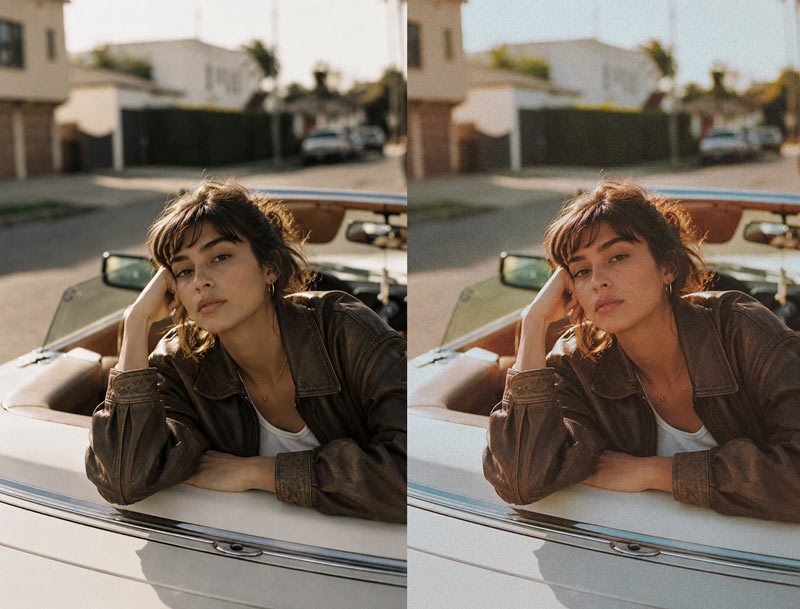
Free Retro Fade Lightroom Preset
Retro Fade takes a clean, neutral photo and gives it the warm, faded quality of an old editorial shot. It lifts shadows into a soft, matte black instead of crushing them, washes the scene in warm golden light, and gently eases contrast so nothing feels harsh or overly clean. Skin and warm tones like leather or wood pick up a golden glow, while the overall image reads as vintage and lived-in rather than digitally flat.
53% Off
★★★★★ 4.87/5 from 23 reviews
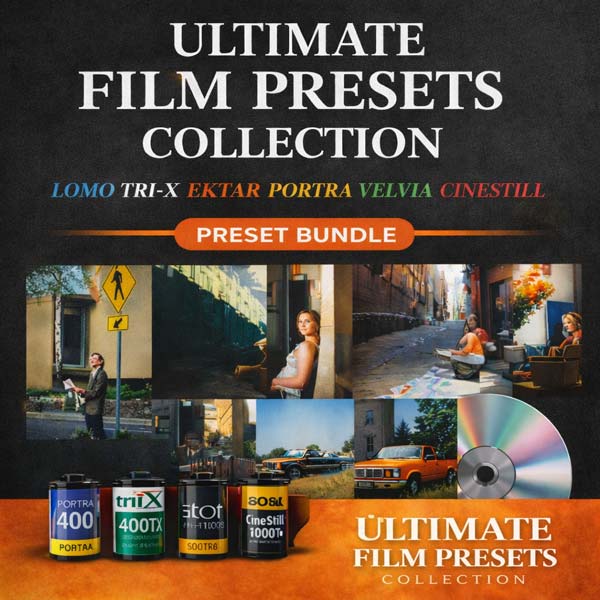
The Only Lightroom Preset Made From Real Film Scans
This free preset is one taste of the film-look family. The full Ultimate Film Presets Collection reproduces the grain, halation, and color chemistry of 24 legendary film stocks, from warm faded retro tones to vivid Velvia landscapes, in one click.
- 50 Lightroom Desktop XMP presets
- 50 matching Mobile presets
- 30 light-leak overlays
- 14 instant film-border frames
$79.99 $37.00 Save 53%
Compatibility & Features
| Platforms | Compatible with Lightroom Desktop & Mobile versions |
| Formats | Comes with DNG, XMP, and LRTEMPLATE format |
| Adobe Apps | Compatible with Adobe Photoshop, Camera Raw, and Premiere Pro |
| File Types | Works with all image and photo formats (.jpg, .png, .raw, .tiff…) |
| Operating System | Compatible with Lightroom on Mac & Windows |
| Lightroom Versions | Lightroom 4 or later, Adobe Lightroom CC Desktop 1.4 or later, Lightroom Classic & Lightroom Mobile app (iOS & Android) |
| Delivery | Instant download link & installation instructions included |
What It Does to Your Photos
Lifts and fades shadows
Softens blacks into a matte, faded tone instead of deep or crushed shadow.
Adds golden warmth
Washes the whole scene in a warm, golden-hour glow.
Eases contrast
Softens the tone curve for a relaxed, vintage feel rather than a clean digital look.
Warms skin and materials
Gives skin, leather, and wood tones a golden richness that feels lived-in.
Works Everywhere You Shoot
Frequently Asked Questions
What type of photography is Retro Fade best for?
Golden-hour portraits, street and lifestyle photography, and editorial-style shoots where a warm, faded vintage feel fits better than a clean, high-contrast look.
How is this different from your Deep Shade preset?
Deep Shade crushes shadows down for dramatic, cinematic contrast. Retro Fade does the opposite, lifting shadows into a soft, faded matte tone for a gentler, warmer vintage feel.
Will it work on photos without golden-hour light?
It adds warmth on top of whatever light is already there, so it works best on photos with some natural warmth to begin with, like late afternoon or golden-hour shots.
Does it work on mobile?
Yes. It’s included in DNG format for Lightroom Mobile on iOS and Android, alongside the XMP and LRTemplate versions for desktop.
Is it really free?
Yes. No watermark, no email gate, no time limit. If you want the full range of film looks, the Ultimate Film Presets Collection above expands on this one.
Get the Retro Fade Preset
One click. Works in Lightroom Desktop, Mobile, and Camera Raw.
Leave a Reply