



Description
Quick Tutorial
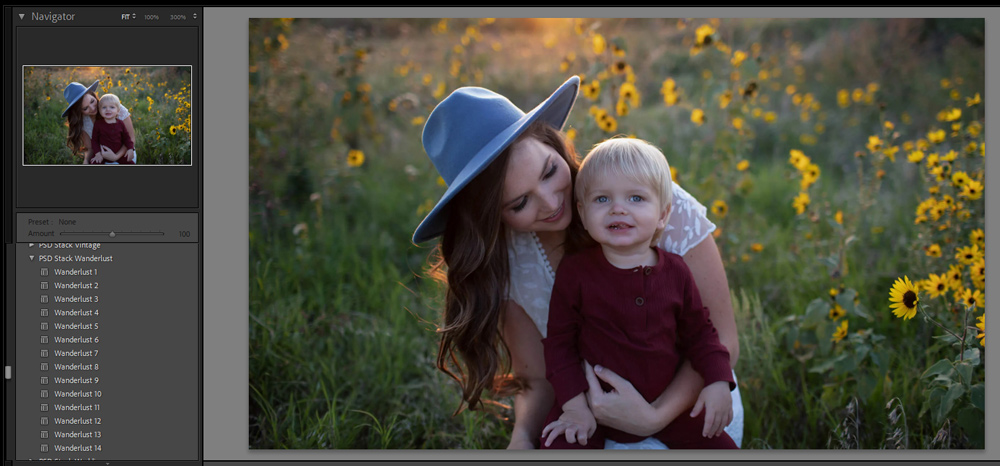
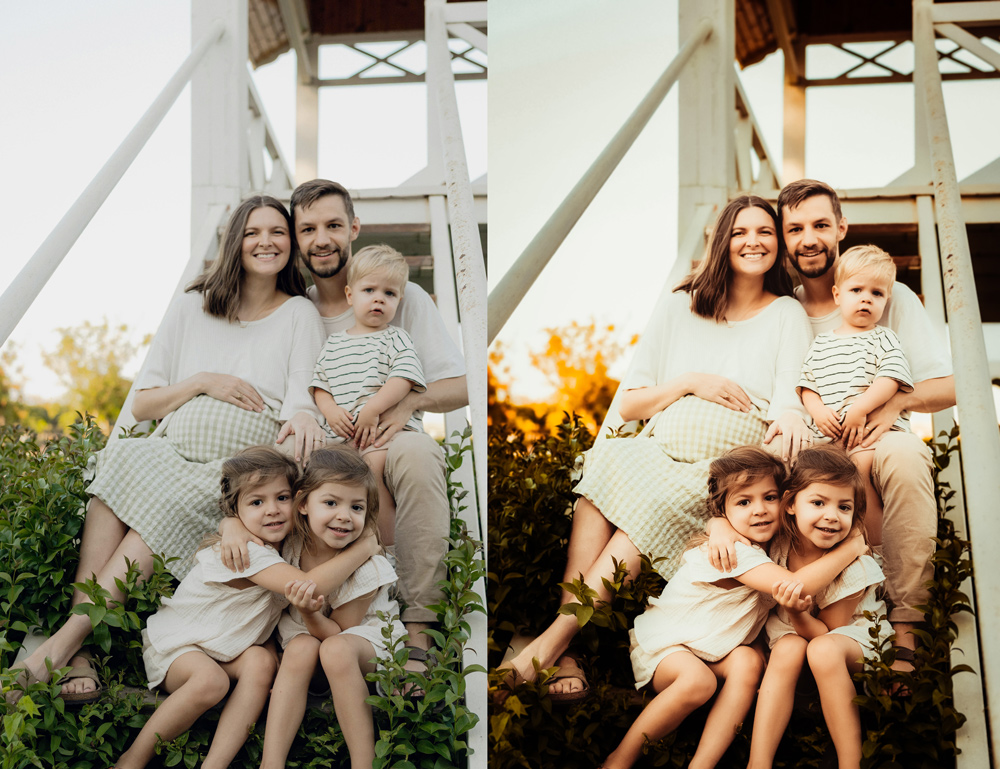
Step 1: I opened a photo in Lightroom and started with a base preset.
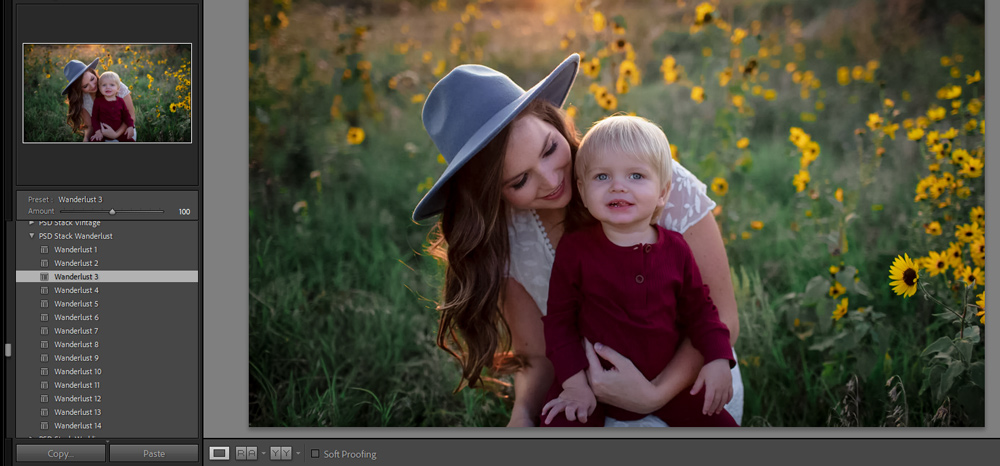
Step 2: I used Wanderlust 3. Right away, it added warm and rich tones to the image..
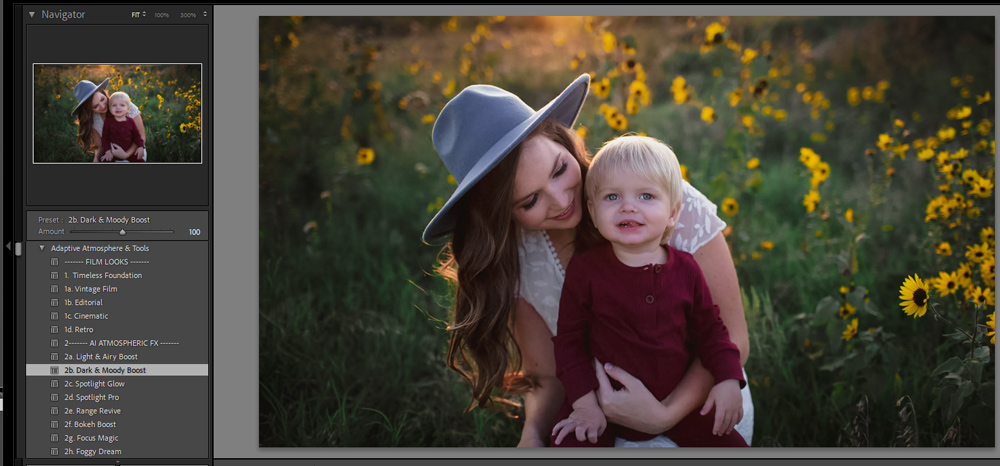
Step 3: Then I moved to the AI Atmosphere tools. I applied Dark and Moody Boost Ai Preset. This is where things get interesting. The background became darker and more cinematic… but the subject stayed untouched. No masking. No manual work.
Step 4: Next, I added warmth to the background using the Temp Warm preset from the AI Background and Sky tools. Again, only the background changed.The subject stayed clean.
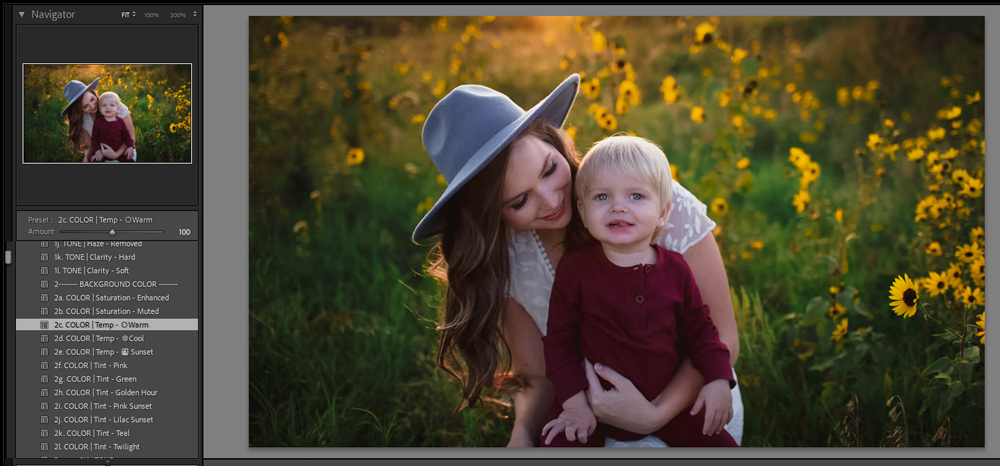
Step 5: Then I added a soft blur to the background for a subtle bokeh effect. Now the image had depth.
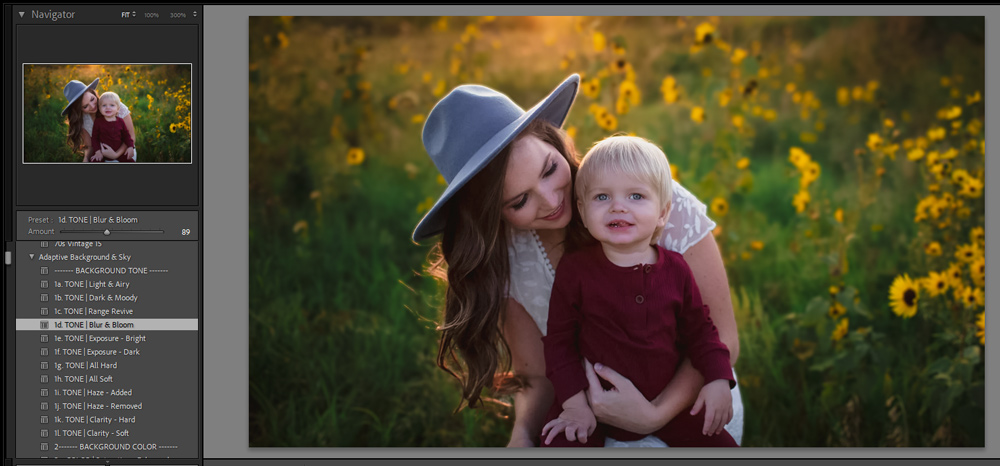
Step 6: Finally, I edited the subject. I used Light and Airy to brighten it.
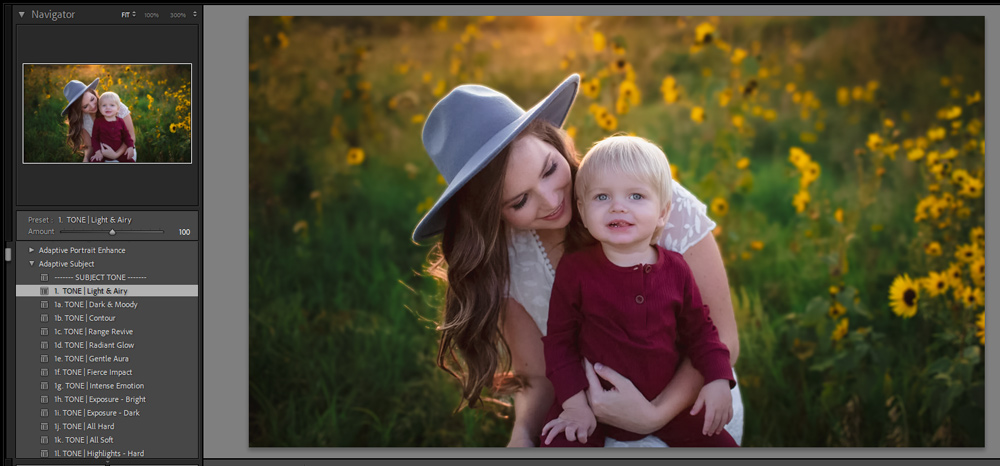
Step 7: Then boosted the colors slightly with Saturation Elevated..
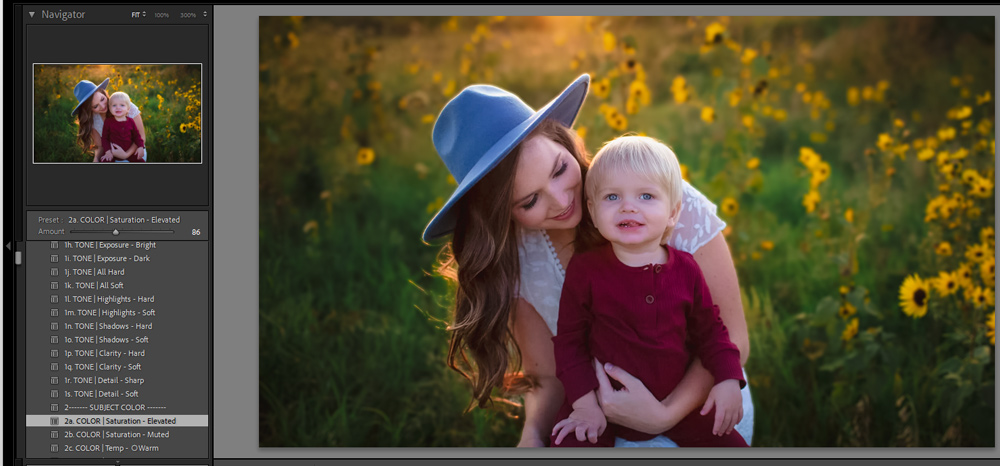
Step 8: I increased the exposure with the Exposure Bright AI Preset from the Background & Sky collection. Everything was done in layers. Background. Atmosphere. Subject. Each part adjusted separately without you doing anything manually.
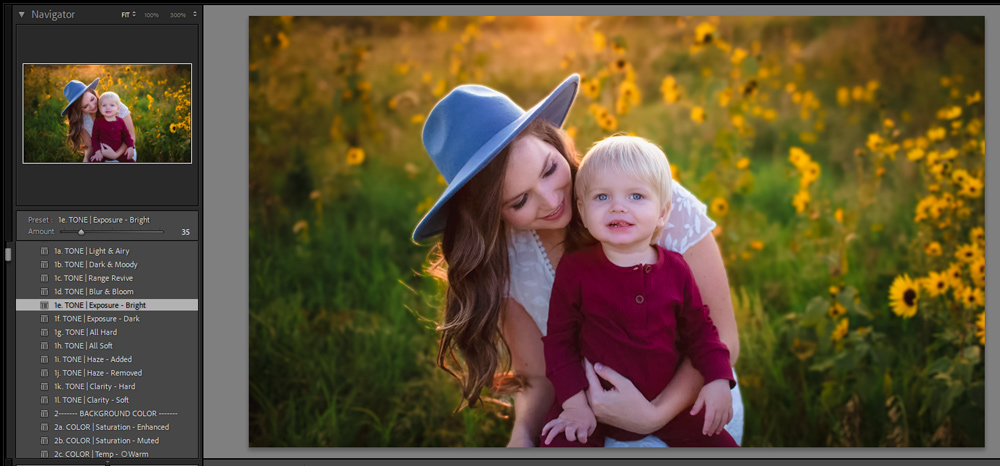
The most advanced lightroom prests that will give you full control on selective edits of your choice
✨ What’s Inside: Over 40 Lightroom presets & Ai tools organized into four creative modules:
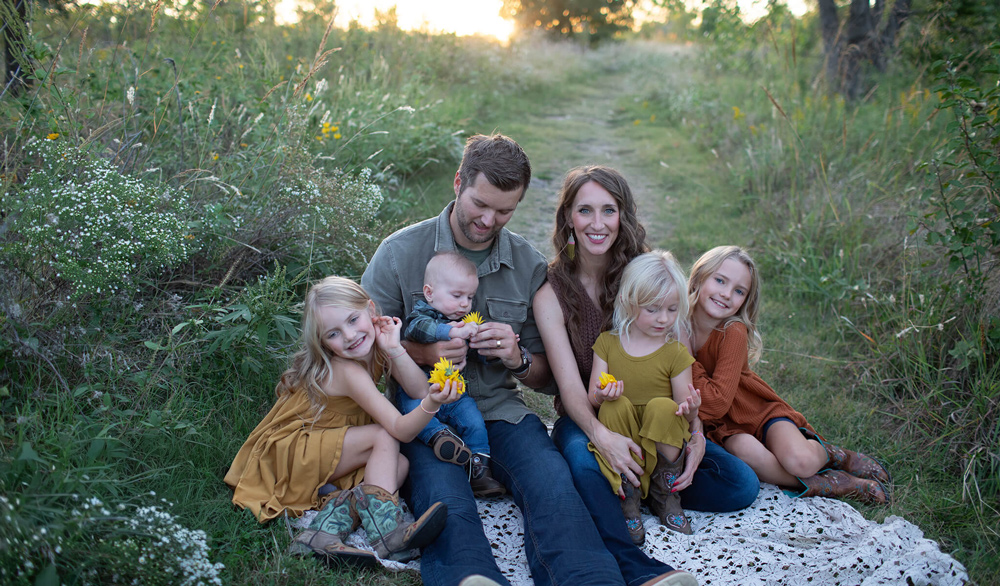
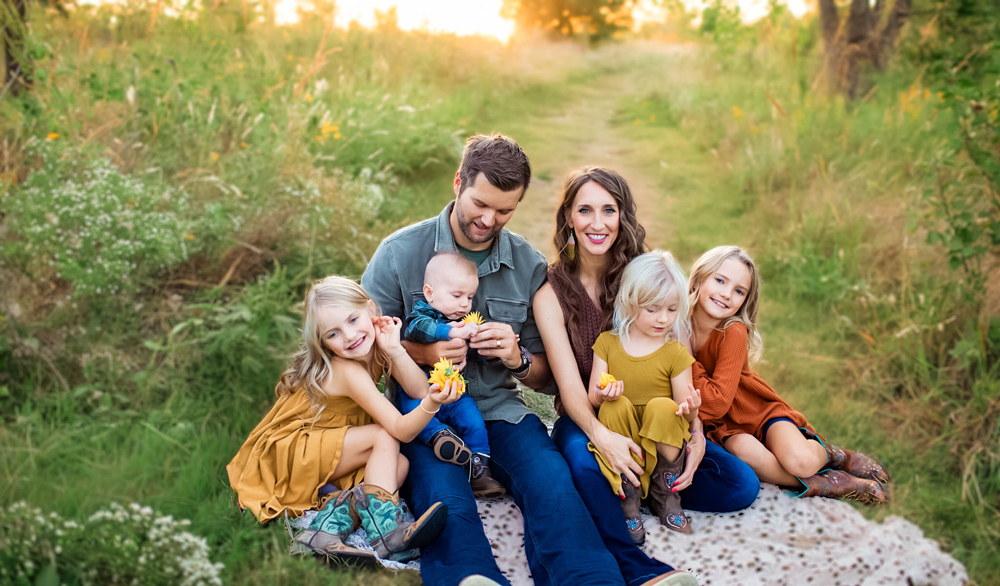
🌟 11 Base presets to quickly start with:
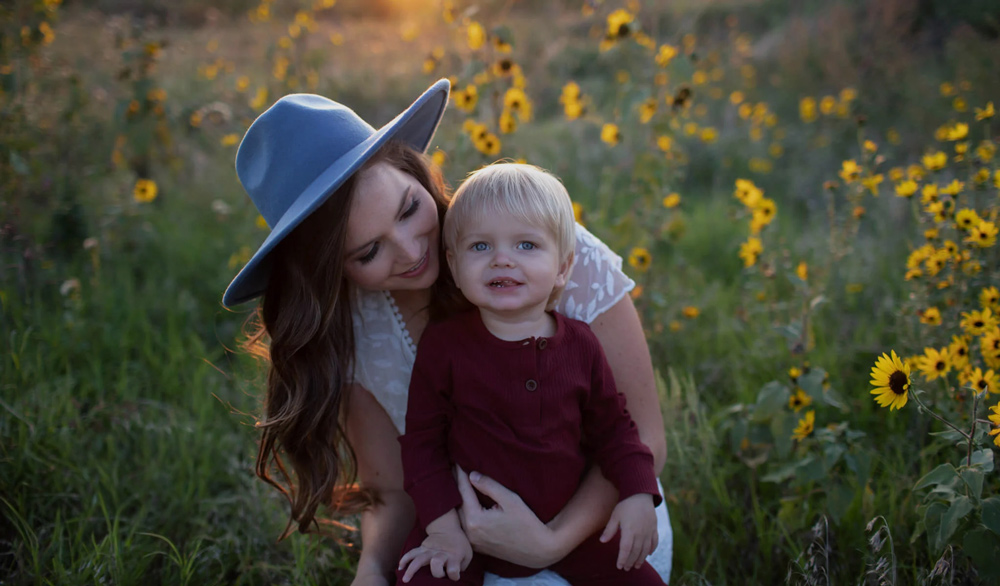
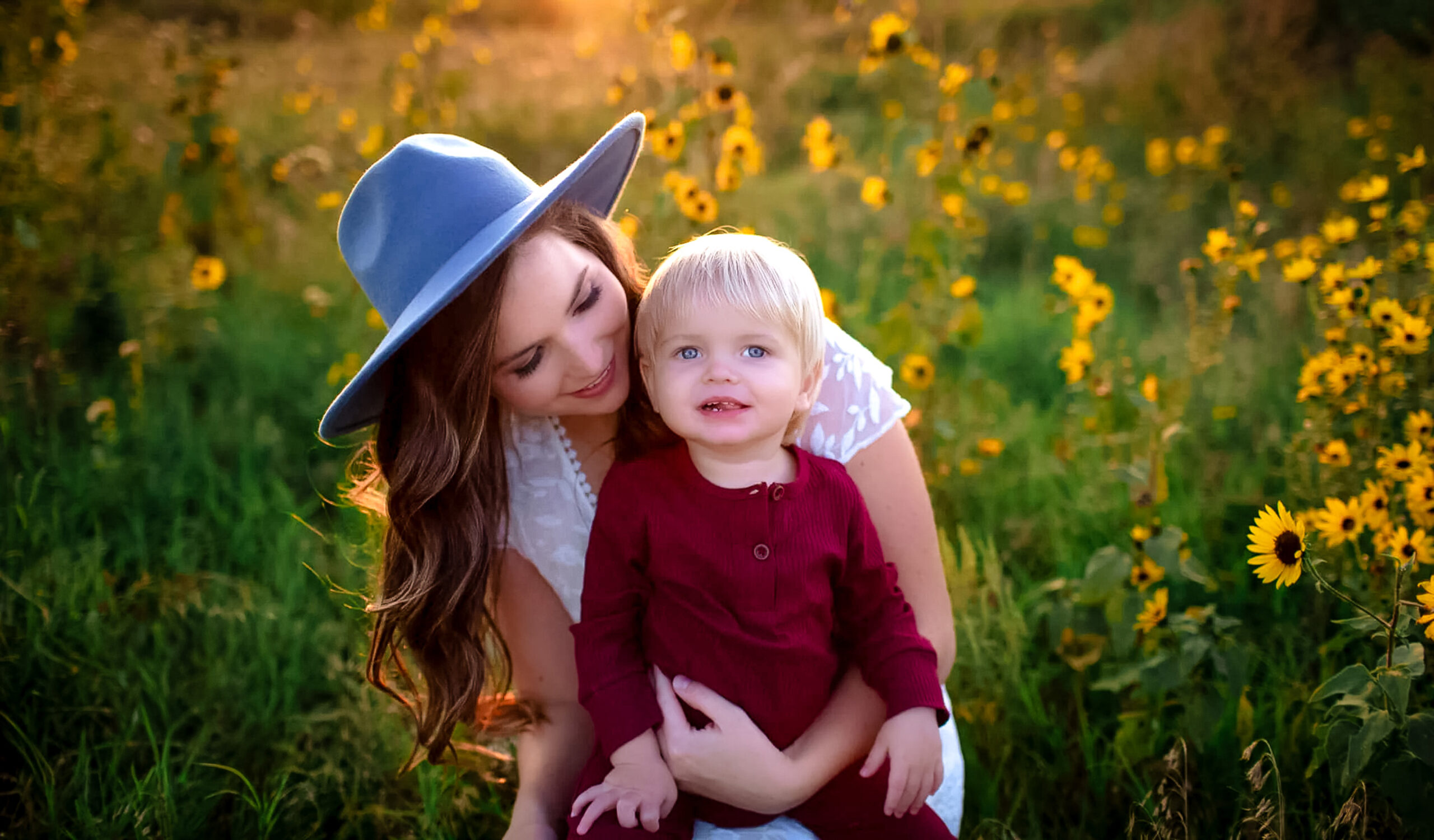
🌟 10 Atmospheric & Light Effects Ai Presets to help you edit atmosphere without touching subjects:
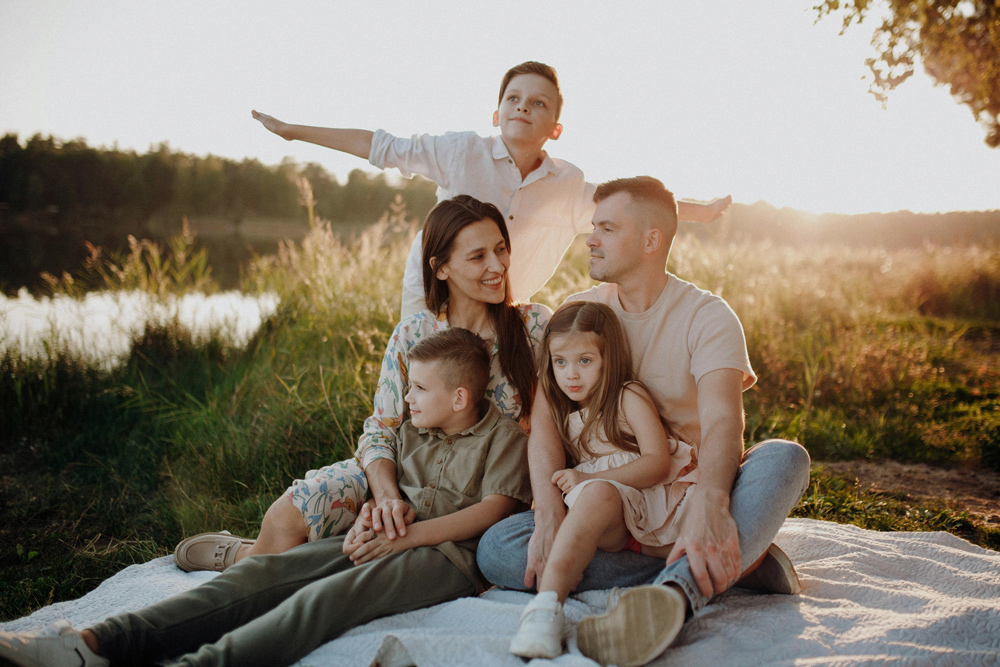

🌟 15 Background & Sky Ai Presets to help you edit background & sky without touching subjects:


🌟 10 Subject & Portrait Ai Presets to help you edit subject & retouch subjects without touching the background edits:
 ✅ Works With
Adobe Lightroom Classic v12.0+ (desktop, Mac & Windows)
Adobe Lightroom CC (desktop + mobile app)
RAW & JPEG files
⚠️ Doesn’t Work With
Lightroom Classic v11 or earlier (no Lens Blur panel support)
Photoshop-only workflows
✅ Works With
Adobe Lightroom Classic v12.0+ (desktop, Mac & Windows)
Adobe Lightroom CC (desktop + mobile app)
RAW & JPEG files
⚠️ Doesn’t Work With
Lightroom Classic v11 or earlier (no Lens Blur panel support)
Photoshop-only workflows
1000+ Images Tested
Our presets are tested rigorously, pretty much 100+ images or more, to make sure they work on a variety of images. These presets are designed to work with Old Lightroom Versions (4,5, or 6). New Lightroom Classic and Lightroom Mobile App. Perfect for any image if you want your photos to stand out. Every preset is unique and applies a different look in just seconds. Also, you are welcome to make any adjustments that you’d like to match your creative photography style.
Why would I buy the presets?
That’s a good question and a lot of people say that you should not buy presets. Well, this is true but only if you are a pro or you have a good understanding of Lightroom. If you are a newbie, or you like to spend time capturing photos instead of spending hours in post-processing, then you should invest in preset packs. Not only, you’ll learn how to achieve a look by taking a look at the preset settings but you will also learn how to create your own style from scratch.
- ✅ Don’t waste your time spending hours to create looks. Select a preset, fine-tune it and you are good to go!
- ✅ All our preset packs are well-organized so it’s easy to find the preset that you are looking for.
- ✅ Installation instructions are provided in the PDF guide.
- ✅ If you need support, we are just a click away. We do our best to respond to emails and most likely you’ll get a response from us within a few hours.
- ✅ Save your time, speed up editing workflow, and spend less time on post-processing.
More info
- Once you have made the payment, you can start downloading the presets on the checkout page or you can download them at any time using the link sent to your email.
- You can use these presets with Lightroom Mobile App if you don’t want to take a subscription from Adobe. This pack contains all presets in .dng format supported by Lightroom Mobile App.
- If you have older versions of Lightroom such as 4, 5, or 6 you can still use these presets as we have all the presets in .lrtemplate format which is supported by older versions of Lightroom.
- Since 2018, Adobe has introduced a new format of presets, .XMP, supported by New Lightroom Classic. We have presets in .xmp format as well just in case you want to work on New Lightroom Classic.
Reviews
There are no reviews yet.